
Official IPTVX · Android phones and tablets

On Android.
Direct from IPTVX.
The official signed mobile APK for Android phones and tablets when Google Play is not available. Same IPTVX experience; a separate release from the Fire TV app.
The APK is coming soon. Installing IPTVX does not include a subscription or unlock paid access.
Downloader · 8156738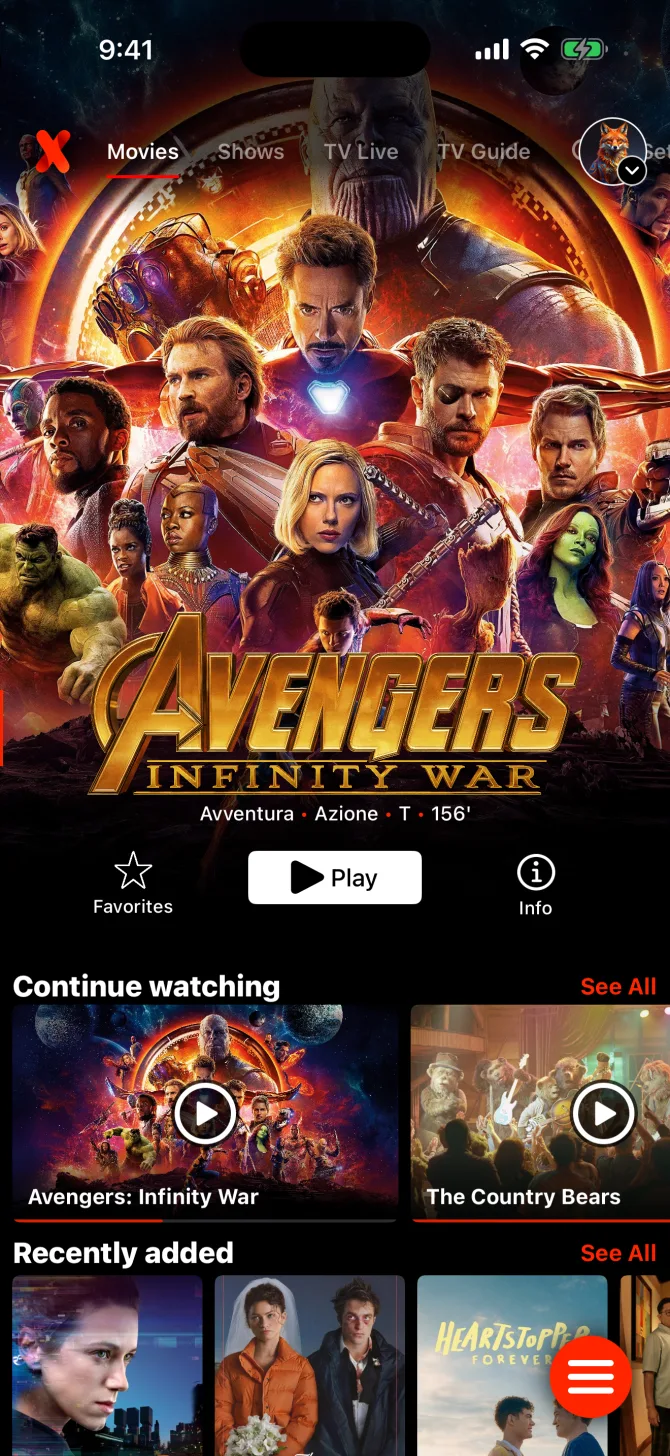
Check your device first
For Android phones and tablets. Not Fire TV.
Use this mobile release on a compatible Android phone or tablet when Google Play is unavailable on that device. For Fire TV Stick, Fire TV Cube, and other Fire OS devices, follow the separate Fire TV installation guide and use its own APK.
Important before signing in
Install directly.
Purchase through Google Play.
The APK installs IPTVX but does not include a subscription. To purchase through Google Play, install the Google Play version of IPTVX on a supported device, sign in to your IPTVX account, and complete the purchase there. Then use the same IPTVX account in this direct-install mobile release.
 Purchase on a supported deviceGet IPTVX on Google Play
- 01Install from Google Play
On a device with Google Play, install the official IPTVX app and sign in to your IPTVX account.
- 02Purchase there
Complete the subscription in the Google Play version of IPTVX using Google Play billing.
- 03Use that same account here
Install the official mobile APK below, sign in with the same IPTVX account, and IPTVX can verify the linked purchase.
Already purchased on the IPTVX website? Paid access from Google Play or the IPTVX website follows the eligible IPTVX account. Sign in with that same account; do not buy a second plan just because you installed the APK. Check My Account.
Follow in order
Five clear steps. No guessing.
- Confirm the device.Use an Android phone or tablet. Fire OS devices need the separate Fire TV APK and guide.
- Prepare your IPTVX account.If you want paid access, use an active Google Play or IPTVX website subscription linked to the account you will sign in with.
- Use the official download or code.Open
https://iptvx.app/android-apk/on the Android device. When a signed release is available, select Download official Android APK. Check that the address is iptvx.app and the file comes from downloads.iptvx.app. - Allow this installation.Open the completed download. If Android asks, allow APK installation for the browser or file manager you used, then choose Install. Turn that permission off again afterward.
- Open IPTVX and sign in.Use the same IPTVX account linked to your eligible Google Play or website subscription. If access does not appear, check the account and purchase source before buying again.
Only install on compatible Android phones and tablets. Fire OS devices use the separate Fire TV guide. Avoid mirrors and repackaged APKs.
Official Downloader code
Install IPTVX with Downloader.
Use Downloader by AFTVnews to get the latest official APK with a short numeric code.
- Install Downloader by AFTVnews from your device’s app store.
- Open Downloader, enter 8156738 in the URL/search field, then select Go.
- Let the redirect finish. Open the downloaded APK and choose Install. Allow installation from Downloader if your device asks.
Keep this code for future updates. Install the newer APK over the existing app; do not uninstall first.
Official signed build
Download the official IPTVX Android mobile APK.
The Android mobile APK has not been published yet. Please check back here; do not download an APK from a third-party website.
- Hosted by IPTVX
- Signed release build
- Built for compatible Android phones and tablets
What’s new
Future app updates
Get the newer APK here.
Keep your existing installation.
This direct-install release does not receive updates from Google Play. When a newer signed APK is published, download it from this official page and install it over the existing IPTVX installation. Do not uninstall first. If Android reports that the package cannot update the installed app, stop instead of deleting app data and contact IPTVX Support.
Quick answers
Before you install.
Why install outside Google Play?
Use the official direct APK only when Google Play is not available on your compatible Android phone or tablet. If Google Play is available, the Google Play version is the simpler installation path.
Where do I purchase the subscription?
To buy through Google Play, install IPTVX from Google Play on a supported device and complete the purchase there. Then sign in to this APK with the same IPTVX account. An eligible subscription already bought from the IPTVX website also works with that account. Installing the APK alone does not activate paid access.
Can I use the Fire TV APK on my phone?
No. The Fire OS release is separate. Use the Android mobile APK from this page for phones and tablets; use the Fire TV guide for Amazon Fire OS devices.
Where is the APK?
The Official signed APK section on this page shows the current release. If it says Coming soon, no signed Android mobile APK is published yet. Avoid third-party mirrors.
How do I update IPTVX?
When a new release is available, download it here and install it over the existing app. Do not uninstall first. If Android refuses the update, contact Support before changing or deleting the installed app.