Library & discovery
Turn raw playlists into a library.
Import, organize, search, and personalize even very large collections without losing your place.
01
Playlists that stay manageable
Add multiple playlists, protect sensitive ones with a PIN, rename categories, and arrange the library around the way you watch.
- Open the playlist manager and add your M3U, Xtream, or supported source.
- Edit its name, metadata, category order, and optional playlist PIN.
- Reload when the provider changes the source; IPTVX reuses indexed data to keep refreshes efficient.
▶Official YouTube videoNew design for playlists manager
▶Official YouTube videoAdd a Playlist to IPTVX on Apple TV | Xtream & M3U
02
Search, people, and smart discovery
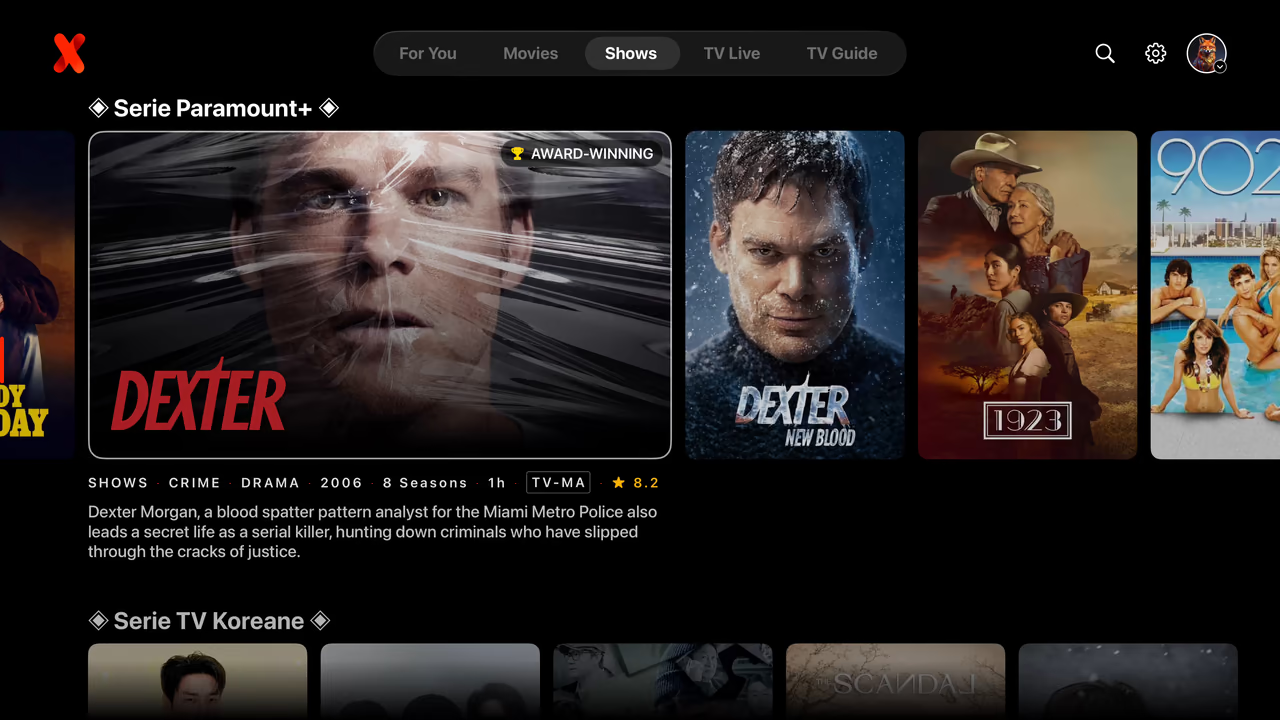
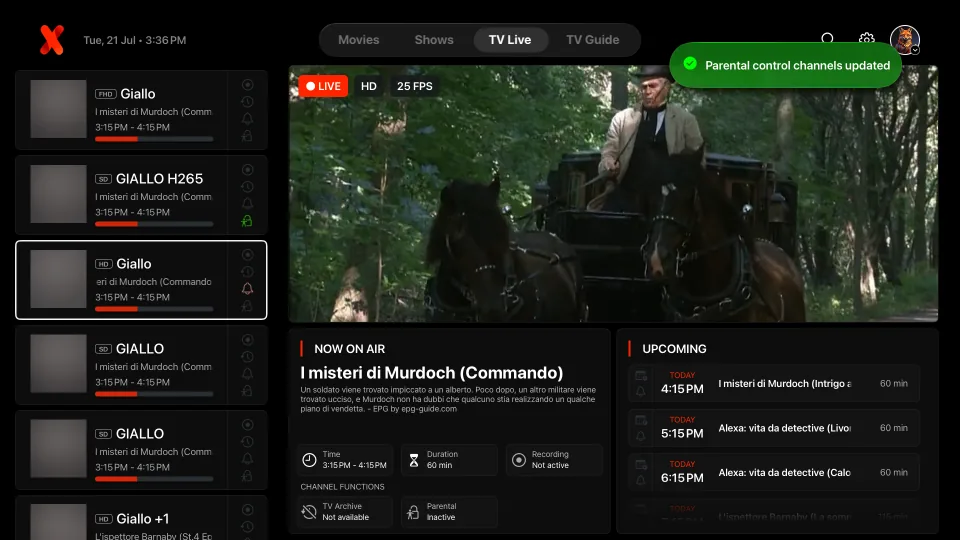
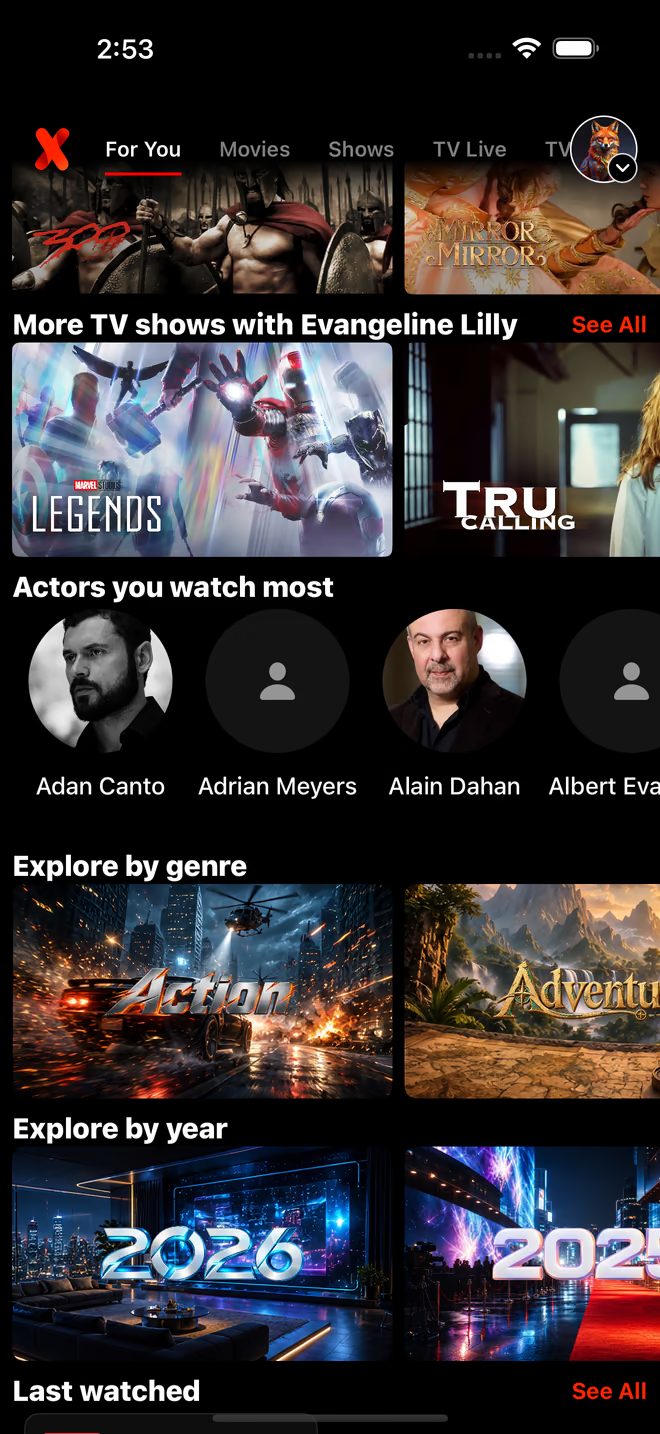
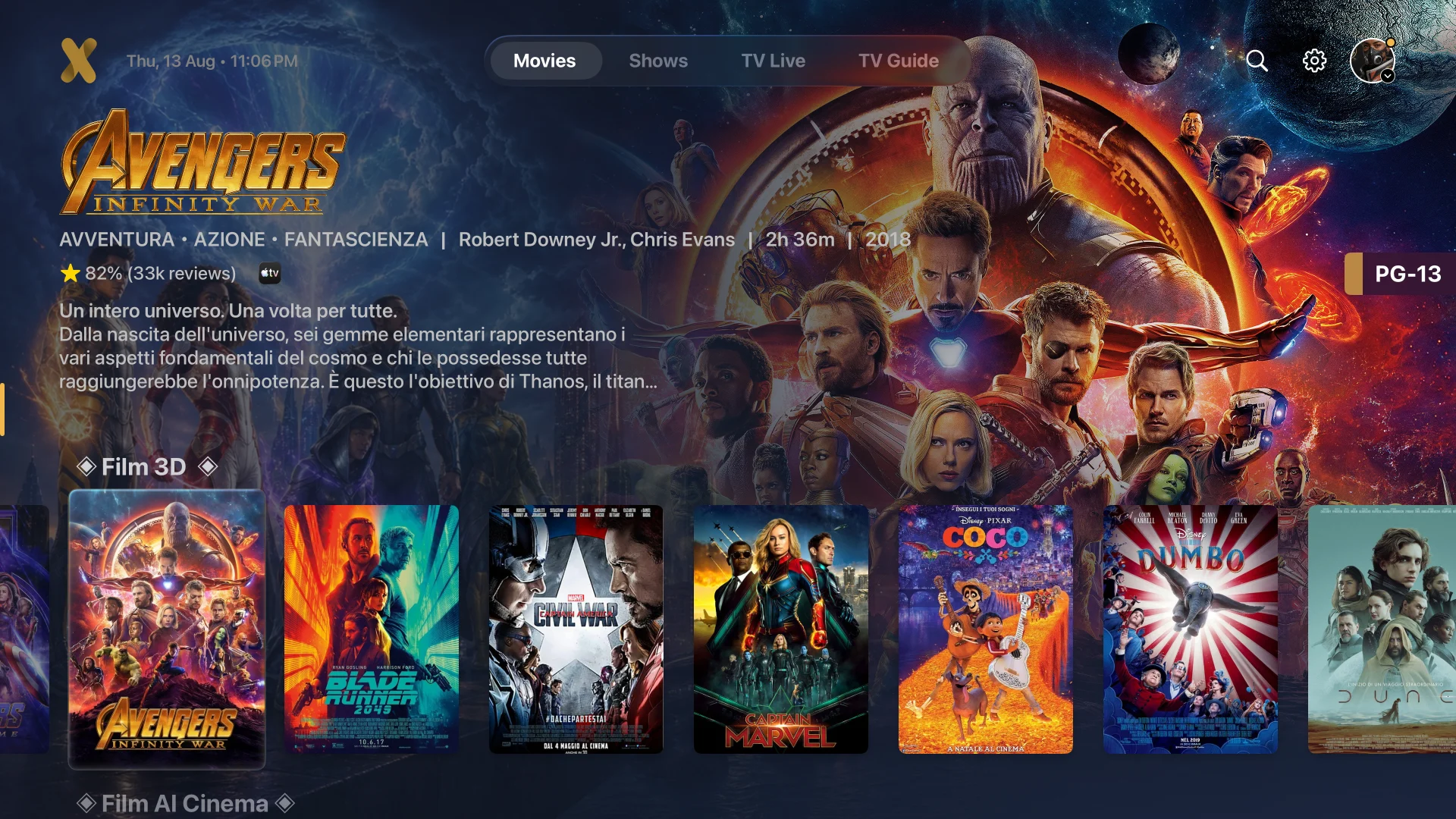
Search titles, live channels, people, actors, categories, and metadata, then move through recently added, recommended, trending, and special hubs.
- Open Search and choose the content area you want to explore.
- Search a title or person; actor pages collect matching movies and series when metadata is available.
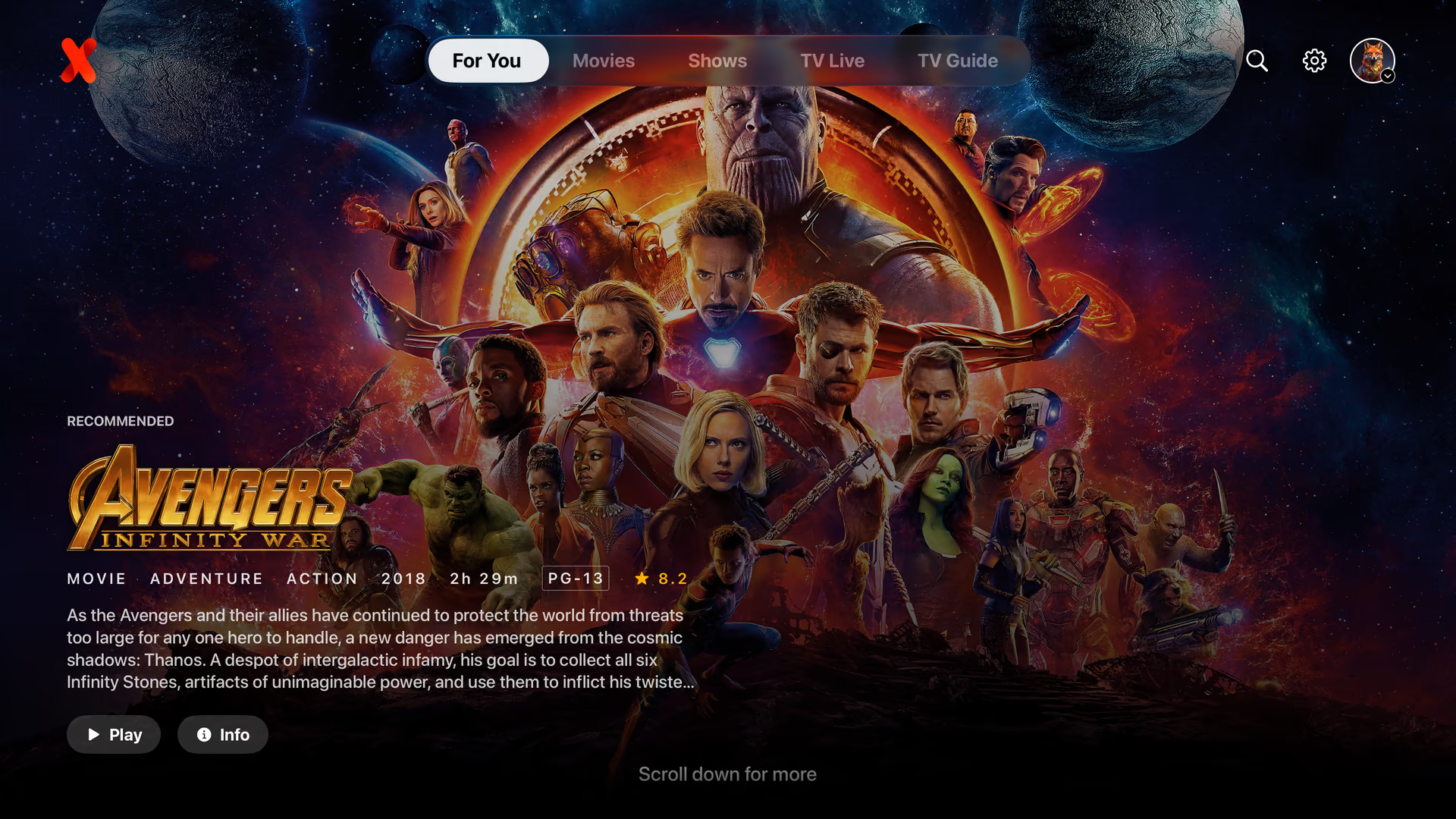
- Use Recently Added, Recommended, Trending, and special hubs to continue without another search.
03
Favorites, tags, and watched state
Build focused lists with favorite tags, change their order, and use Last Watched, Already Watched, progress, and Continue Watching to resume quickly.
- Open an item or channel action and add it to Favorites, optionally assigning one or more tags.
- Reorder favorites and categories so the most useful groups appear first.
- Mark items watched when needed; IPTVX also tracks progress and the last item you played.
▶Official YouTube videoAdd to favorites WITH TAGS